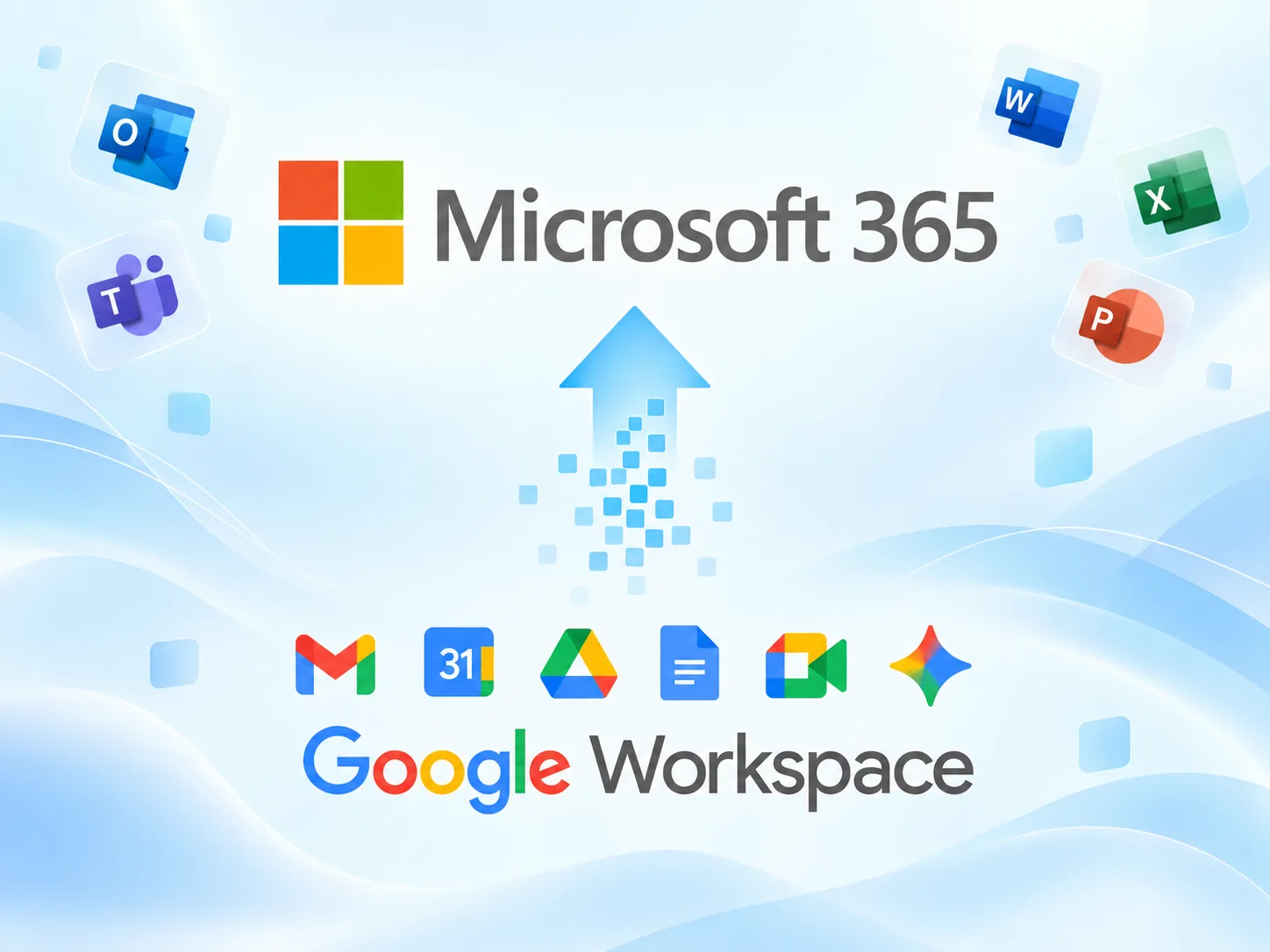

Microsoft 365 Migration Services in Dubai

Move to Microsoft 365 from Google Workspace, on-premises Exchange, hosted email, or another Microsoft 365 tenant with a structured migration plan designed to minimize business disruption.

Overview

What Is Microsoft 365 Migration?

Microsoft 365 migration is the process of moving your organization’s email, calendars, contacts, files, and other business data from an existing platform into Microsoft 365.
Serviona can help migrate from environments such as Google Workspace, on-premises Exchange, hosted email platforms, or another Microsoft 365 tenant. We plan the migration around your users, domains, data, security requirements, and business operations to reduce disruption during cutover.

Migrations We Handle

Google Workspace
Google Workspace
Move Gmail, calendars, contacts, and Drive content to Microsoft 365.

On-Premise Exchange
On-Premise Exchange
Migrate Exchange mailboxes to Exchange Online with the right migration approach.
Hosted Email
Hosted Email
Migrate mailboxes from hosted IMAP email platforms to Exchange Online with the right migration approach.
Tenant-to-Tenant
Tenant-to-Tenant
Move mailboxes and supported Microsoft 365 data between tenants.

Migration Planned to Minimize Downtime

Every migration is planned to reduce business disruption. We agree the cutover window in advance and identify any expected service impact, user actions, or temporary limitations before migration day.

While no migration should promise absolute zero downtime, careful preparation, testing, and cutover planning help keep interruptions to a minimum and ensure your team knows what to expect.

Our Migration Process

0

Review users, mailboxes, domains, aliases, forwarding, and the source environment.

0

Map users, Microsoft 365 licenses, migration scope, DNS changes, and the cutover approach.

0

Move mail, configure mailboxes, shared mailboxes, distribution groups, security settings, and mail flow.

0

Switch mail flow, complete synchronization, verify delivery, and confirm user access.

What Gets Migrated

The exact migration scope depends on your source platform. Serviona confirms what can be moved, recreated, or reconfigured before the migration begins.

Email & Folders: Inbox, sent items, folders, and historical email within the agreed scope.

Contacts & Calendars: Migrated where supported by the source platform and migration method.

Shared & Resource Mailboxes: Shared mailboxes and resource mailboxes reviewed, mapped, and recreated as required.

Distribution Lists & Groups: Mail groups and distribution structures reviewed, mapped, and recreated as required.

Email Aliases: User aliases and required email addresses mapped into the Microsoft 365 environment.

Domains & Mail Flow: Custom domains, MX records, SPF, DKIM, DMARC, and mail routing prepared for cutover.

Post Migration Support

Post-Migration Support & Verification

After cutover, Serviona verifies mail flow, user access, migrated data, and key Microsoft 365 services, while helping resolve any migration-related issues that appear during the agreed support period.
For organizations that need ongoing administration after migration, continued Microsoft 365 support is available through our Managed Support services.

Related Microsoft Services

Tenant Assessment

Image link

Review your Microsoft 365 tenant, licensing, configuration, and security, with clear findings and prioritized recommendations.

Managed Cloud Support

Image link

Ongoing administration, monitoring, troubleshooting, and support for your Microsoft environment.

Deployment & Adoption

Image link

Configure and roll out Microsoft 365, then help your team adopt the tools effectively.

Licensing & Subscription Management

Image link

Right-size licenses, manage renewals, and control costs across your Microsoft environment.

Book Your Free 30-Minute Microsoft Review

Not sure whether your current Microsoft environment is configured effectively or where to start? Our free 30-minute consultation provides a no-obligation review of your current setup, with a written summary of the top three priorities we recommend addressing first.

    The timeline depends on the number of users, mailbox sizes, source platform, data volume, and migration method. Serviona confirms the expected schedule and cutover approach during planning.

    The migration is planned to preserve the data included in the agreed scope. What can be migrated depends on the source platform and migration method, so we confirm supported data before the project begins.

    Yes. Microsoft provides migration tools for moving Google Workspace email, calendars, contacts, and supported Drive content into Microsoft 365.

    Yes. Compatible IMAP mailboxes can be migrated to Exchange Online. Standard IMAP migration generally moves email only, so calendars, contacts, and other data may require a separate approach.

    A tenant-to-tenant migration moves users and supported Microsoft 365 workloads from one Microsoft 365 tenant to another, commonly for mergers, acquisitions, divestitures, or internal restructuring. Microsoft supports cross-tenant migration for workloads including Exchange Online, SharePoint, and OneDrive.

    We plan the cutover to minimize disruption, but brief mail-flow delays can occur while DNS changes propagate. Microsoft notes that MX-record changes can take time to be recognized by external mail systems.