Microsoft Intune Device Management for UAE Businesses
Manage and secure company devices and protect business data on personal devices with Microsoft Intune. Serviona helps UAE businesses configure device enrollment, compliance policies, app protection, security settings, and ongoing endpoint management.









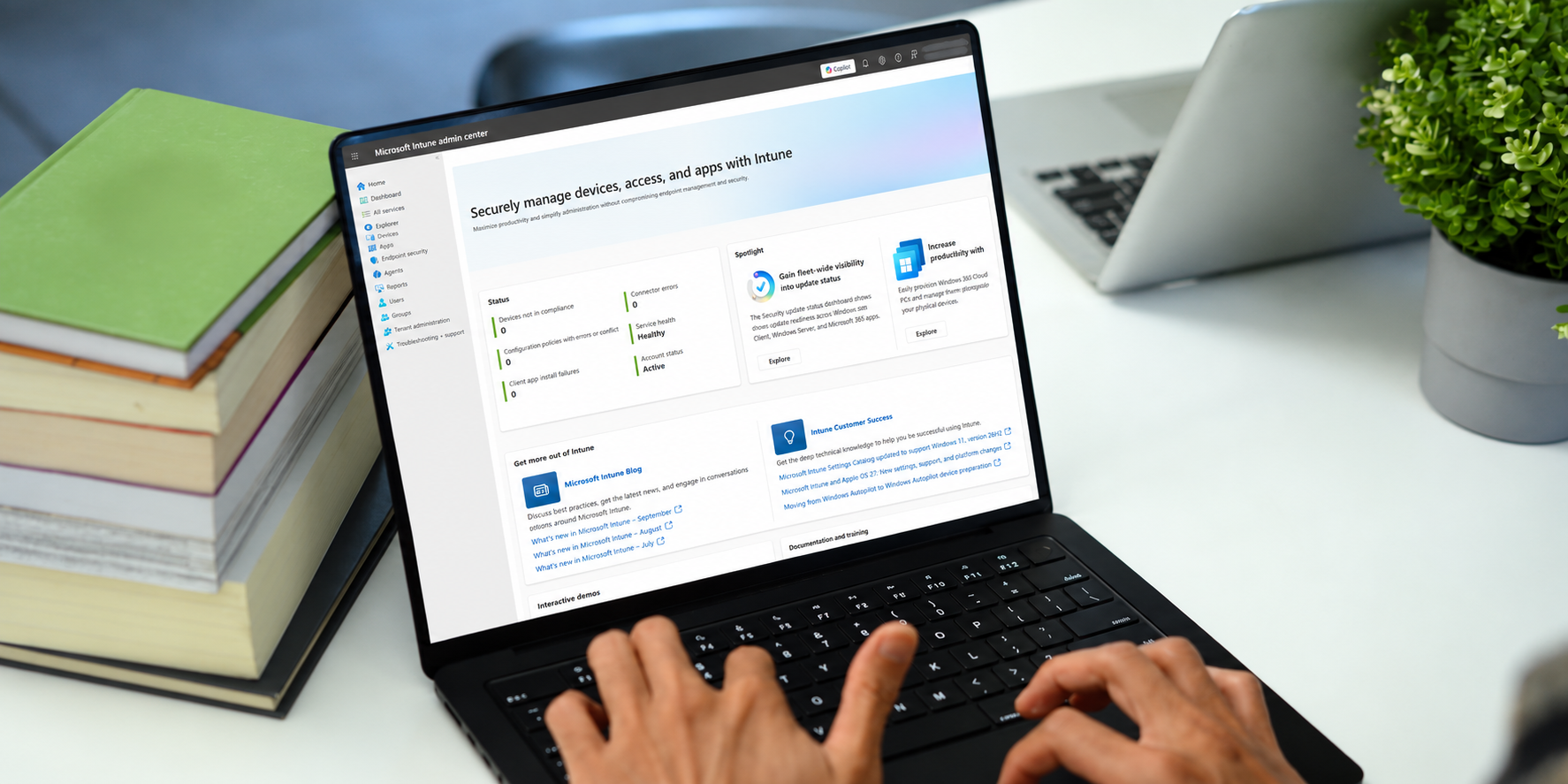
Overview
What Is Microsoft Intune & Why UAE Businesses Need It
Microsoft Intune is Microsoft’s cloud-based endpoint management platform for managing devices, applications, and security policies across Windows, macOS, iOS/iPadOS, Android, and other supported platforms. It can be used for full device management or to protect business apps and data on personal devices without enrolling the whole device.
Intune helps businesses enroll and configure devices, deploy applications, enforce compliance policies, protect corporate data, and take remote actions when devices are lost, retired, or reassigned. Microsoft 365 Business Premium includes full Intune capabilities, while availability in enterprise plans depends on the specific Microsoft 365 license.
Serviona helps UAE businesses design and manage Intune around their device estate, security requirements, and working model.
MDM vs MAM
Which Approach Fits Your Business?
Microsoft Intune supports both device management (MDM) and app protection (MAM). The right approach depends on whether the device is company-owned or personal, and how much control the business needs.
- MDM (Mobile Device Management) — enrolls and manages the device itself. Commonly used for company-owned devices, with controls for configuration, compliance policies, app deployment, security settings, and remote device actions.
- MAM (Mobile Application Management) — protects business apps and data without requiring full device enrollment. It is well suited to personal (BYOD) devices, where company data can be protected or selectively removed without wiping personal content.
Many organizations use both: MDM for corporate devices and MAM for personal devices, with policies designed around each use case.
Key Intune Capabilities
Microsoft Intune provides centralized tools to manage company devices, protect business data on personal devices, deploy applications, and enforce security and compliance policies.

BRING YOUR OWN DEVICE
BYOD Security for UAE Businesses
Employees often access business email, files, and collaboration apps from personal phones and tablets. Without clear controls, company data can easily mix with personal use.
With Microsoft Intune app protection policies, Serviona can help protect business data in apps such as Outlook, Teams, and OneDrive without requiring full management of the personal device. Policies can require an app-level PIN, restrict copy and paste, control how business data is shared, and selectively remove corporate data when access is no longer needed.
Personal photos, messages, and other private content remain outside the company’s management scope.
How Serviona Deploys & Manages Intune
Review your device environment, company-owned vs. BYOD mix, platforms, licensing, and existing security controls.
Set up compliance policies, configuration profiles, app protection policies, enrollment settings, and Conditional Access integration.
Onboard devices in phases, with clear user guidance and self-service enrollment where appropriate.
Provide ongoing Intune administration, including policy updates, device onboarding and offboarding, compliance monitoring, and remote actions.
Book Your Free 30-Minute Microsoft Review
Not sure whether your current Microsoft environment is configured effectively or where to start? Our free 30-minute consultation provides a no-obligation review of your current setup, with a written summary of the top three priorities we recommend addressing first.
Microsoft Intune FAQs
Microsoft Intune is a cloud-based endpoint management service that helps organizations manage devices, deploy apps, apply security and compliance policies, and protect business data across Windows, macOS, iOS/iPadOS, Android, and other supported platforms.
It depends on the plan. Microsoft 365 Business Premium includes Intune, as do Microsoft 365 E3 and E5. Business Basic and Business Standard do not include full Intune.
MDM manages the device itself, including configuration, compliance, apps, and remote actions. MAM protects business apps and data without requiring full device enrollment, making it useful for BYOD scenarios.
Intune administrators can see device and management information, but Microsoft states that organizations cannot see personal content such as photos, personal emails, text messages, contacts, passwords, or browsing history on enrolled devices.
There is no fixed timeline. Deployment depends on the number and type of devices, platforms, existing policies, application requirements, BYOD strategy, and whether the rollout includes Conditional Access or Windows Autopilot. Serviona can phase the deployment to reduce user disruption.
Yes. Intune supports iOS/iPadOS and Android for device management and app protection, along with Windows, macOS, Linux, and supported Chrome OS scenarios.
